Code
# install.packages(c("tidyverse", "jsonlite", "purrr", "rstudioapi"))JSON (JavaScript Object Notation) has become the de facto standard for data interchange, replacing XML in many research workflows due to its lightweight and human-readable nature.
Validate syntactic integrity and structural complexity. We want to ensure JSON files are free from trailing commas or encoding errors and to document their hierarchical depth to facilitate future data flattening and analysis.
“Structural heterogeneity”—where records in the same dataset have different fields—and extreme nesting depths without a mandatory schema often lead to data that is syntactically valid but contextually unusable (Pezoa et al. 2016).
This notebook evaluates JSON files on three levels:
This workflow relies on jsonlite (Ooms 2014) for parsing and tidyverse (Wickham et al. 2019) for data manipulation.
If you don’t have these packages installed, run this command once in your R console:
# install.packages(c("tidyverse", "jsonlite", "purrr", "rstudioapi"))#| label: load-libraries
#| message: false
library(tidyverse)
library(jsonlite) # Standard parser
library(purrr) # For robust iteration
library(rstudioapi) # For directory selectionSelect the directory containing your .json files.
Note: Interactive selection works in RStudio. If rendering, it defaults to params$target_dir.
#| label: select-target-dir

# 1. Try to select interactively if in RStudio
if (interactive() && .Platform$OS.type == "windows") {
  selected_dir <- rstudioapi::selectDirectory(caption = "Select JSON Directory")
} else {
  selected_dir <- NULL
}

# 2. Logic to determine final directory
if (!is.null(selected_dir)) {
  target_dir <- selected_dir
} else {
  target_dir <- params$target_dir
}

print(paste("Analyzing directory:", target_dir))
[1] "Analyzing directory: data/Inspect_json/"# Find all .json files
json_files <- list.files(
path = target_dir,
pattern = "\\.json$",
recursive = TRUE,
full.names = TRUE,
ignore.case = TRUE
)
print(paste("Found", length(json_files), "JSON files."))[1] "Found 3 JSON files."head(json_files)[1] "data/Inspect_json//chunks.json"
[2] "data/Inspect_json//Code_and_Software.qmd.json"
[3] "data/Inspect_json//Documents.qmd.json" We iterate through the JSON files to determine their R-structure (Data Frame vs. List) and complexity.
# Helper: Calculate Nesting Depth recursively
get_depth <- function(x) {
  if (is.list(x) && length(x) > 0) {
    1 + max(vapply(x, get_depth, numeric(1)), 0)
  } else {
    0
  }
}

# Initialize results list
json_summary_list <- list()

# Loop through files
for (file_path in json_files) {
  file_name <- basename(file_path)

  tryCatch({
    # Attempt to parse the JSON
    # simplifyVector = TRUE allows R to detect tables automatically
    json_data <- jsonlite::fromJSON(file_path, simplifyVector = TRUE)

    # Calculate Complexity (Depth)
    # We re-parse without simplification just to check the raw tree depth accurately
    raw_data <- jsonlite::fromJSON(file_path, simplifyVector = FALSE)
    depth_val <- get_depth(raw_data)

    # Determine Class (Data Frame, List, or Vector)
    obj_class <- class(json_data)[1]

    # Determine Dimensions & Keys based on type
    if (is.data.frame(json_data)) {
      dims_str <- paste(dim(json_data), collapse = " x ")
      keys_str <- paste(head(colnames(json_data), 5), collapse = ", ")
      if (ncol(json_data) > 5) keys_str <- paste(keys_str, "...")

    } else if (is.list(json_data)) {
      dims_str <- paste(length(json_data), "elements")
      keys_str <- paste(head(names(json_data), 5), collapse = ", ")
      if (length(json_data) > 5) keys_str <- paste(keys_str, "...")

    } else {
      # Atomic vectors or arrays
      dims_str <- paste(length(json_data), "length")
      keys_str <- "(No Keys - Flat Array)"
    }

    # Store success result
    json_summary_list[[length(json_summary_list) + 1]] <- tibble(
      filename = file_name,
      is_valid = TRUE,
      structure_type = obj_class,
      dimensions = dims_str,
      top_level_keys = keys_str,
      max_depth = depth_val,
      error_msg = NA_character_
    )

  }, error = function(e) {
    # Store error result
    json_summary_list[[length(json_summary_list) + 1]] <- tibble(
      filename = file_name,
      is_valid = FALSE,
      structure_type = "Error",
      dimensions = "NA",
      top_level_keys = "NA",
      max_depth = NA_real_,
      error_msg = e$message
    )
  })
}

# Combine Results
results <- bind_rows(json_summary_list)

print(paste("Analyzed", nrow(results), "JSON files."))
[1] "Analyzed 3 JSON files."head(results)# A tibble: 3 × 7
filename is_valid structure_type dimensions top_level_keys max_depth error_msg
<chr> <lgl> <chr> <chr> <chr> <dbl> <chr>
1 chunks.… TRUE list 2 elements chunk_definit… 4 <NA>
2 Code_an… TRUE list 4 elements title, markdo… 5 <NA>
3 Documen… TRUE list 4 elements title, markdo… 5 <NA> We visualize the distribution of JSON structures. A prevalence of data.frame types indicates a dataset that is easy to analyze in R, while list types imply nested metadata.
ggplot(results %>% filter(is_valid), aes(x = structure_type, fill = structure_type)) +
  geom_bar() +
  scale_fill_brewer(palette = "Set2") +
  labs(
    title = "JSON Structure Types",
    subtitle = "Identified R Objects (Data Frame = Tabular, List = Nested)",
    x = "Structure Type",
    y = "Count"
  ) +
  theme_minimal() +
  theme(legend.position = "none")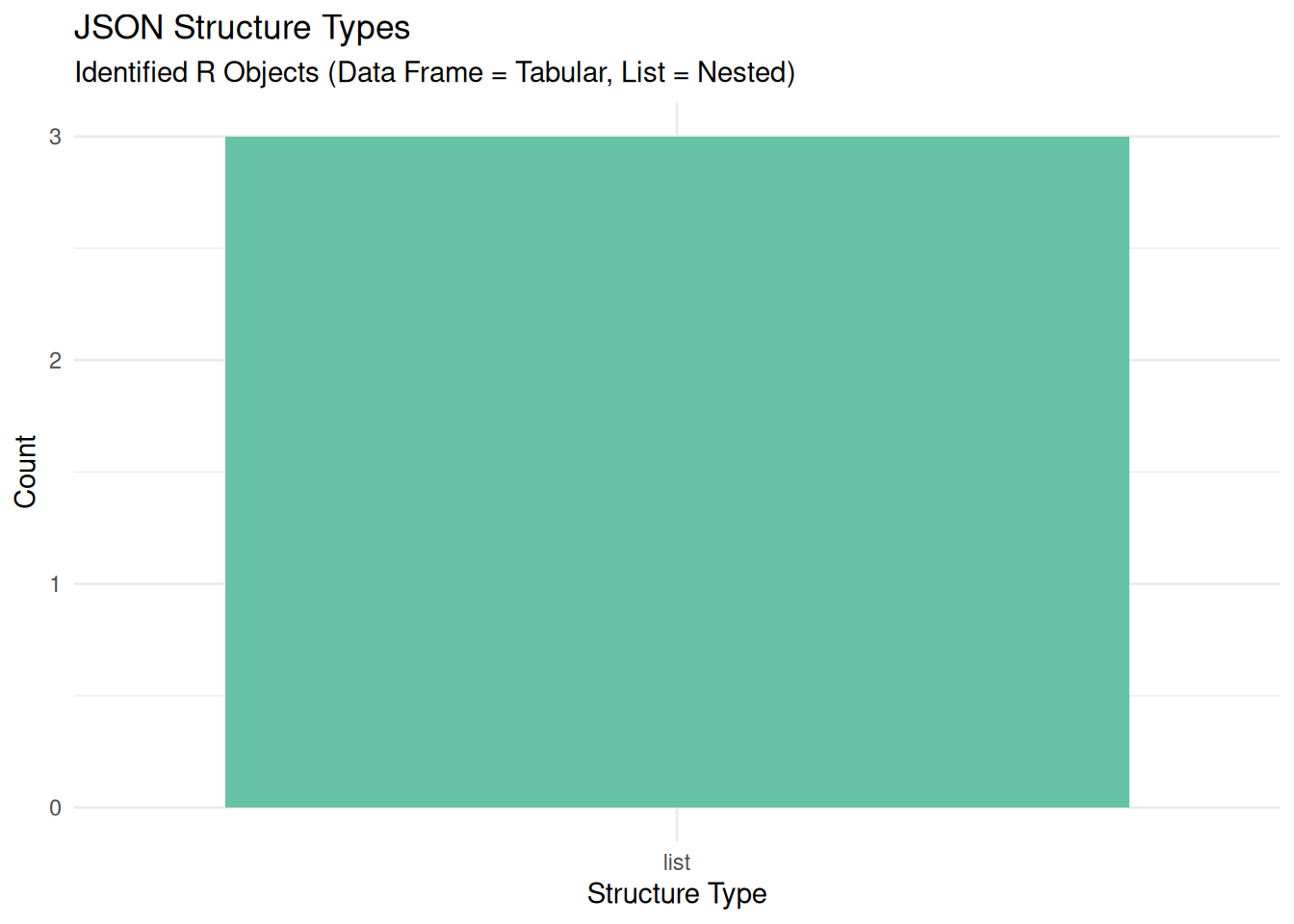
output_dir <- "Results/Inspect_json"
dir.create(output_dir, recursive = TRUE, showWarnings = FALSE)

output_file <- file.path(output_dir, paste0("JSON_Report_", format(Sys.Date(), "%Y%m%d"), ".csv"))

write.csv(results, output_file, row.names = FALSE)
print(paste("Report saved to:", output_file))
[1] "Report saved to: Results/Inspect_json/JSON_Report_20260703.csv"Use the generated CSV report to guide your curation actions:
Validity Check (is_valid): Files marked FALSE are corrupt. Common causes include trailing commas (allowed in JavaScript but forbidden in standard JSON) or truncation (incomplete download). You can validate the syntax using a linter. If truncated, attempt to recover from the source (you may have to request the researcher to provide you with a fresh file if it didn’t transfer correctly). If the error is encoding-related (e.g., “Invalid char”), check if the file is saved as UTF-8.
Structure Check (structure_type): Files identified as a list often contain nested hierarchies that cannot be easily flattened into a table. Ensure these files are documented with a data dictionary explaining the nesting logic.
Complexity Check (max_depth > 5): Deeply nested files are difficult for future researchers to query without specialized tools. Curation best practice suggests generating a “JSON Schema” to confirm that all files in the batch have the same structure.
jq: Is a lightweight and flexible command-line JSON processor, known as the industry standard for slicing, filtering, and transforming JSON data.
JSON Schema Validator: Is a tool to define the expected structure of your JSON (required fields, data types), allowing curators to automate the quality control of metadata.
Source: Pezoa, F. et al. (2016). Foundations of JSON Schema.
For users who want to run this analysis on a server, in a batch job, or from the command line, here is a pure R script that performs the same process.
Download the R Script: Inspect_json_Script.R
Alternatively, adapt the folling code script to match your cluster’s environment and your data path, then submit it using sbatch.
#!/bin/bash
#SBATCH --job-name=json_inspect
#SBATCH --nodes=1
#SBATCH --ntasks=1
#SBATCH --time=00:15:00
#SBATCH --mem=4G
#SBATCH --output=logs/inspect_json_%j.log

# Load R module (Adjust based on your cluster's specific module name)
module load R

# Define target directory containing JSON files
TARGET_DIR="/scratch/user/project_data/metadata"

# Create output directory structure if it doesn't exist
mkdir -p Results/Inspect_json
mkdir -p logs

# Run the R script
echo "Starting JSON Inspection on $TARGET_DIR"
Rscript Scripts/Inspect_json_Script.R "$TARGET_DIR"